
Settings
Tags and Glossary
🏷️ 1. Manage your tags
Tags help you organize your meetings.
You can:
-
create them,
-
rename them,
-
delete them.
Create a new tag:
-
Click on Create
-
Give a name
-
Choose a color
-
Confirm
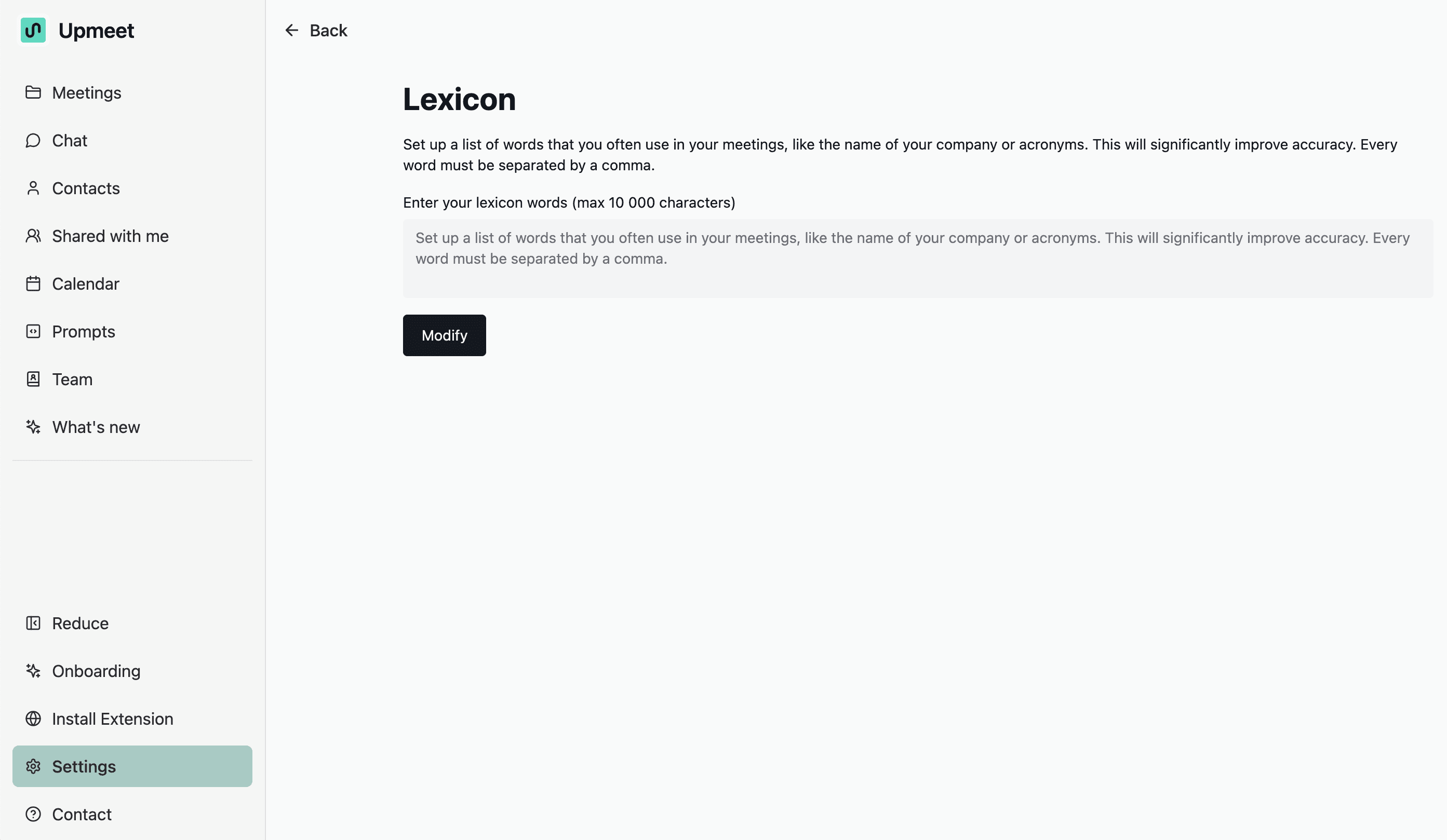
📕 2. Glossary
The glossary helps improve the transcription and understanding of your meetings.
What is it for?
-
add your internal acronyms,
-
specify your industry terms,
-
improve AI accuracy.
How it works:
-
each term must be separated by a comma,
-
limit: 10,000 characters,
-
click Edit to save.